1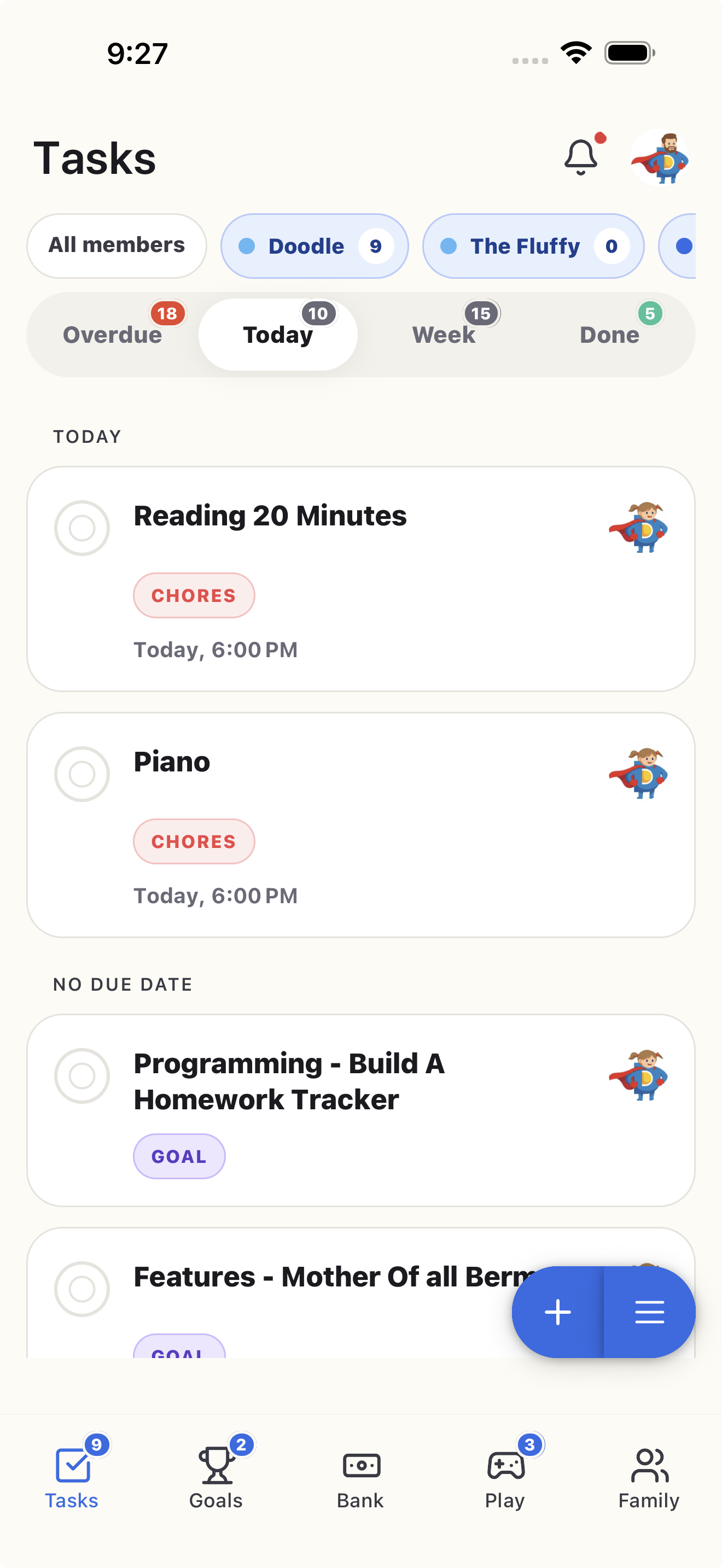
Price it. Assign it.
Set recurring chores or one-off jobs, choose who does them, and give each one a clear value.

Price and assign chores, approve what gets done, and watch rewards land in Doey Bank. Your kids get independence. You get to retire from repeating yourself.


Scan with your phone
Free for 7 days. One subscription covers the whole family.
The Thursday problem
Then someone lost the marker. Someone else insisted they already fed the dog. And somehow you became the project manager for socks.
Paper charts cannot approve the job—or remember whose turn it is.
Allowance math should not require a Sunday-night spreadsheet.
Kids do better when the goal and payoff are visible.
Doey turns “Did you do it?” into “Already done.”
How it works
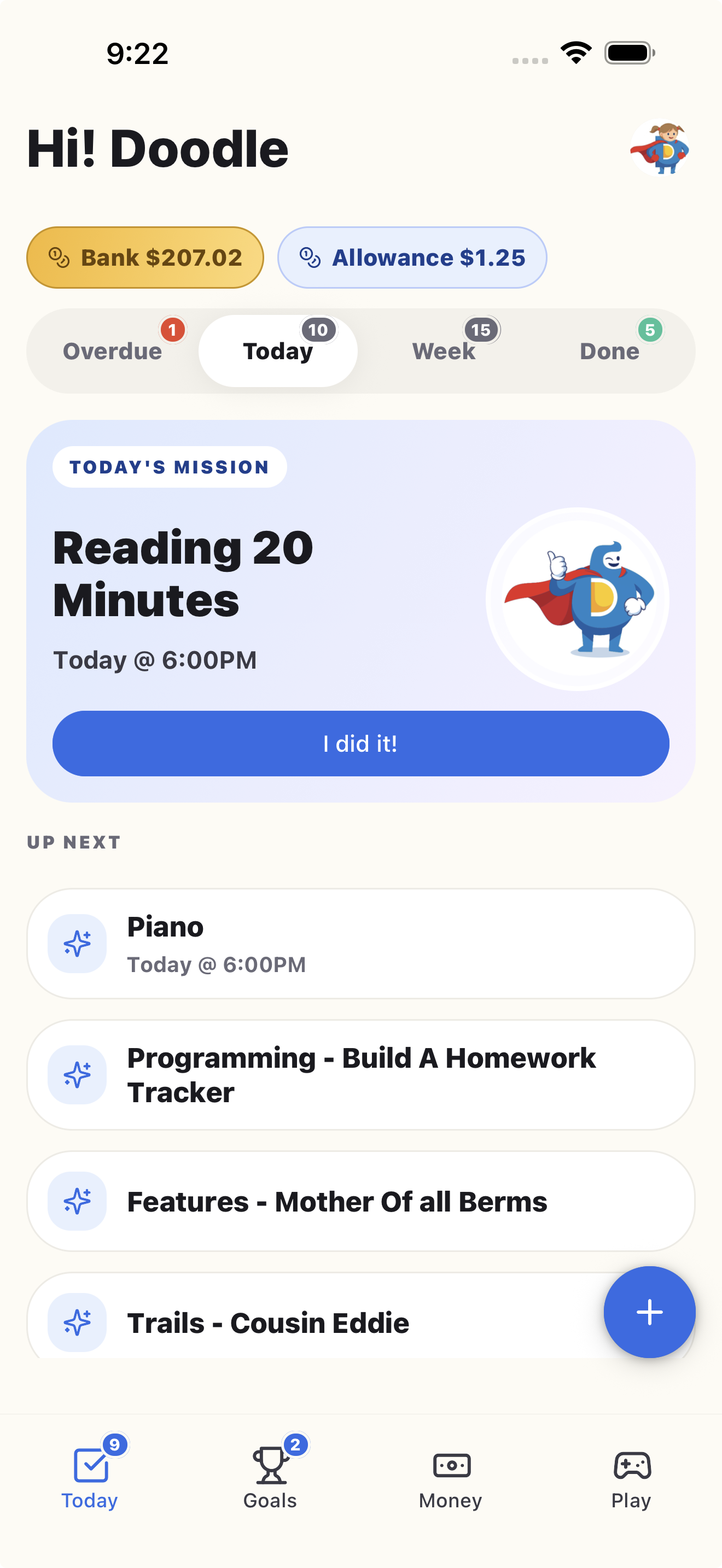
Everyone sees what needs doing, what it is worth, and what happens next.
Set recurring chores or one-off jobs, choose who does them, and give each one a clear value.
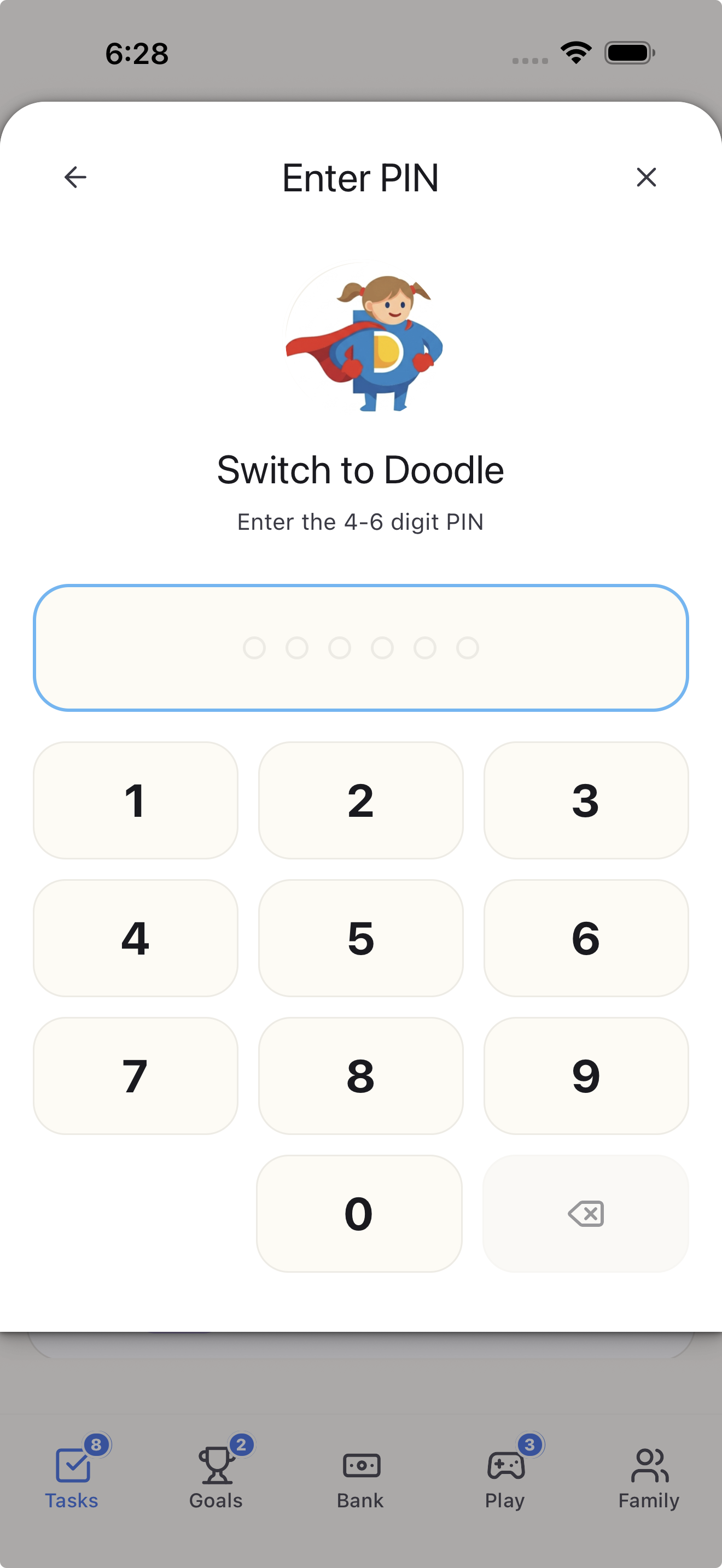
Kids use their own device or switch profiles with a PIN on yours. No extra phone required.
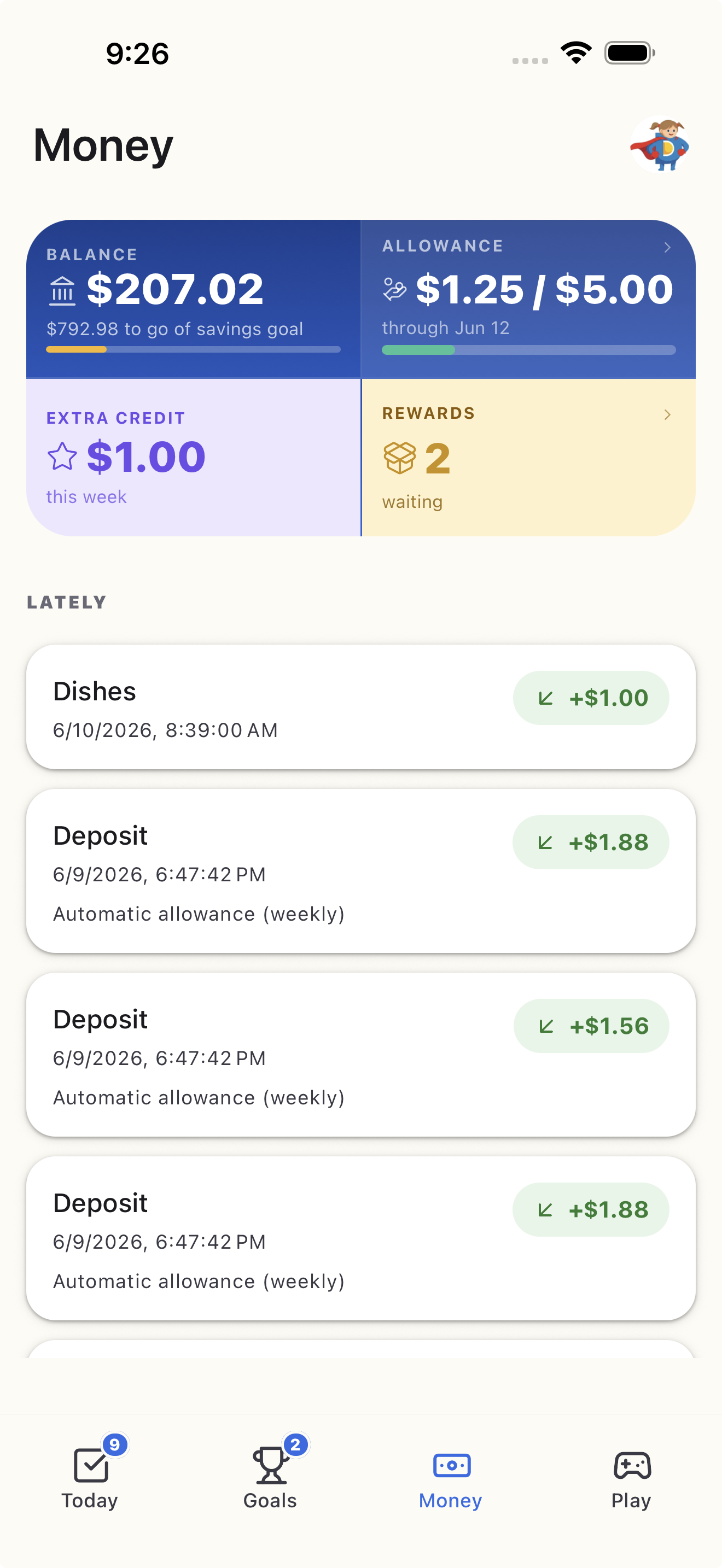
The reward appears in their virtual Doey Bank balance! Don't agree? Send it back and have them try again.
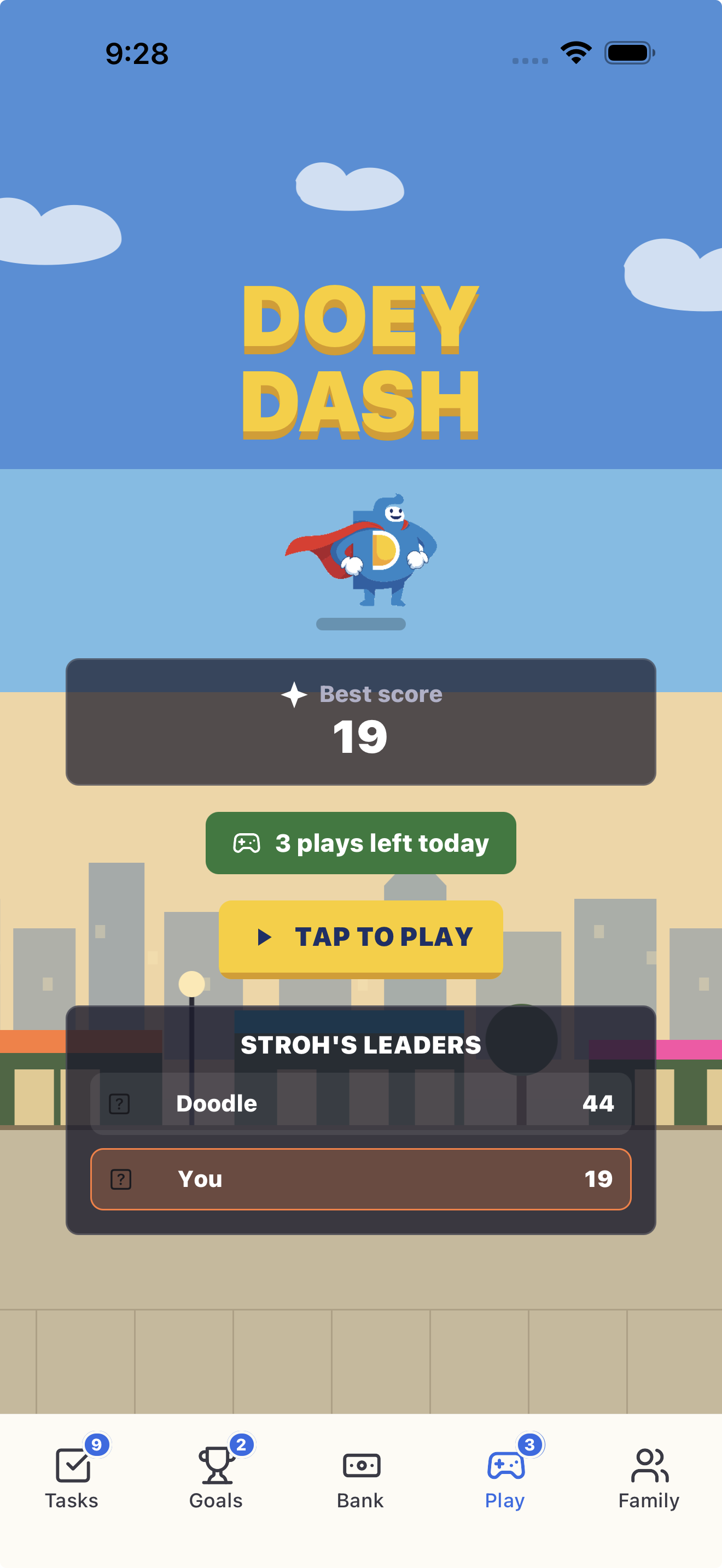
Allowance that adds up
Set a weekly allowance and let Doey prorate it by completed chores. Or attach a value to each job. Either way, Sunday math is handled.
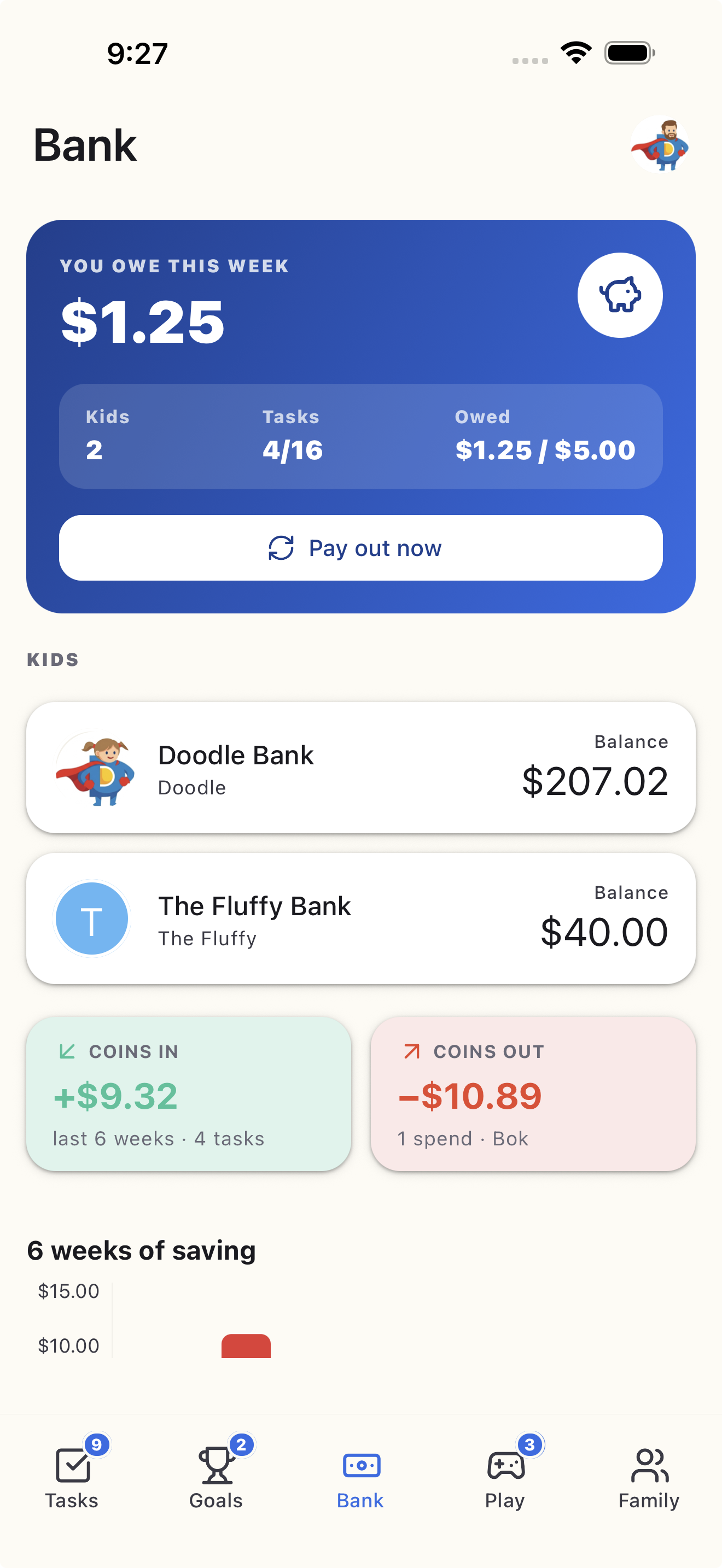
Promised rewards, remembered
Add promised rewards to Doey Bank, whether that is cash, screen time, or choosing Friday’s pizza. No bank account is connected and no money moves through Doey.
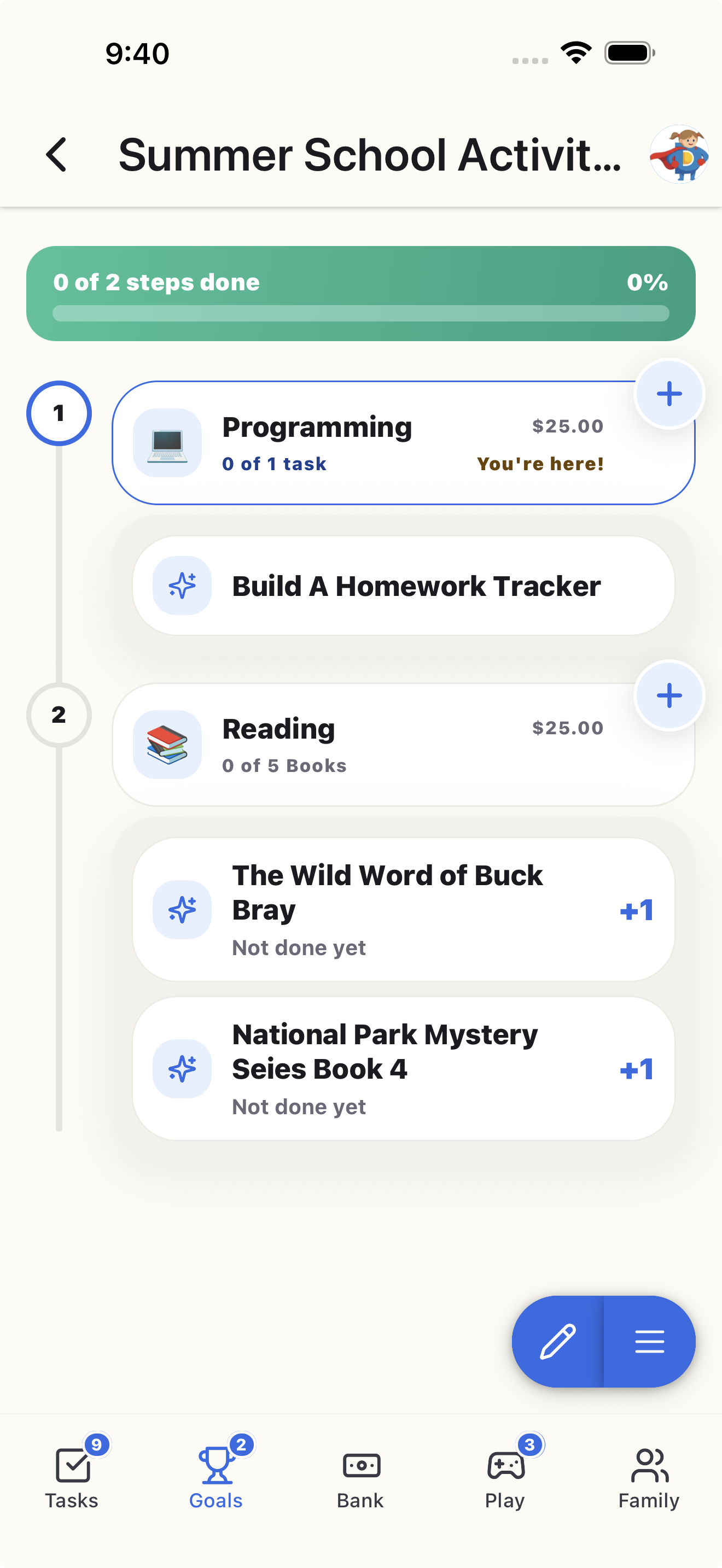
Goals they can see
Kids can set a goal, route rewards toward it, and watch progress build. It is money practice with training wheels—before the stakes get real.
A family system
Invite multiple caregivers so tasks can be assigned and approved without waiting for the family’s unofficial operations manager.
Why Doey
Doey focuses on the family habits around earning and saving—not selling your child a card.
| What matters | Doey | Debit-card allowance apps |
|---|---|---|
| Chores tied to rewards | Core experience | Often an add-on |
| Requires linked bank account | No | Usually |
| Physical debit card | No | Usually |
| Works on a parent’s device | Yes, with child PINs | Varies |
| Non-cash rewards | Built in | Limited |
| Whole-family price | One subscription | May charge per child/card |
The useful stuff
Schedule the usual jobs and capture the surprise ones.
Rewards only post after a caregiver checks the work.
Pay based on completion without doing the calculation.
Track cash, privileges, treats, and family-made deals.
Turn rewards into visible progress toward something meaningful.
Separate access for kids and caregivers on shared devices.
Simple pricing
Try every feature free for seven days. Then choose the plan that fits your family.
$34.99/year
About $2.92 per month
$4.99/month
Flexible month to month
Cancel anytime through your app-store subscription settings. Prices may vary by region and are confirmed before purchase in the App Store or Google Play.
Not ready for an app?
Get printable, age-specific charts for ages 4–7, 8–12, and 13+. Free, useful, and designed by people who know “clean your room” is not a measurable task.
Questions, answered
Nope. Kids can use a private PIN to switch into their profile on a parent’s device. They can also use Doey on their own supported phone or tablet.
No. Doey Bank is a virtual family ledger, so there is no bank account, debit card, or transfer fee to manage. Parents handle the real-world payout however they prefer.
You get the complete family experience for 7 days. If it is not making chore time easier, cancel before the trial ends and you will not be charged.
Yes. One family subscription can include multiple caregivers and kids, so task approval does not depend on one parent being available.
Yes. Tie allowance to the percentage of assigned chores completed, or use fixed chore values. Doey does the math either way.
Doey is available for iPhone, iPad, and Android. Families can mix devices within the same household.
Give your family one clear place for chores, allowance, and goals—and give yourself one less thing to chase.
Start free for 7 days